
Help is available before or after you sign in.
Find answers for registers, transfers, statement imports, reconciliation, budgets, recurring activity, backups and common installation issues. You can also send a support request without signing in when a support email is configured.
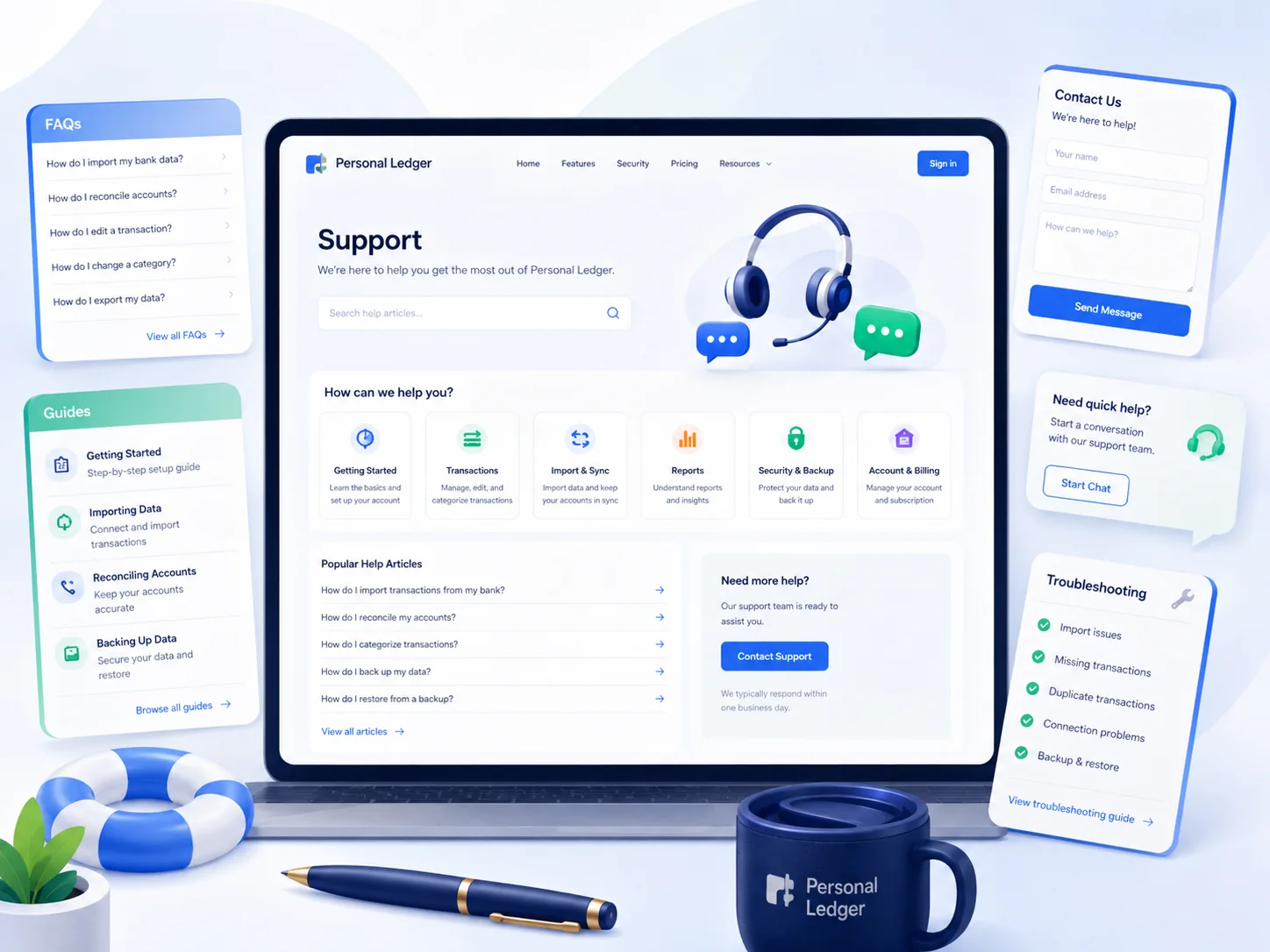
Start with the task you are trying to complete.
Common Personal Ledger questions
Why does a transfer not appear as income or spending?
Transfers move money between your own accounts. Personal Ledger creates linked transfer-out and transfer-in entries so account balances change without overstating income or expenses.
How do split transactions work?
A split keeps one register transaction but divides its amount across multiple categories. The split lines must total the full transaction amount.
What do Uncleared, Cleared and Reconciled mean?
Uncleared means the item has not been matched to the bank yet. Cleared means it appears on bank activity. Reconciled means it was included in a completed statement reconciliation.
How should I import a bank or credit-card statement?
Sign in, open Import CSV, choose the destination account and upload your statement. The importer recognizes common Date, Payee/Description, Amount, Debit and Credit fields and can skip likely duplicates.
Are receipts and statements publicly accessible?
No. Uploaded receipt files are stored in the protected uploads folder and are served through an authenticated application route.
How do I back up everything?
Use the application backup/export tools and also back up the uploads folder and MySQL database through GoDaddy. Keep database configuration files only in a secure private backup.
Why did a recurring item not post?
Automatic recurring items are processed when the authenticated owner opens the Dashboard. The standard GoDaddy deployment does not require a cron job for this behavior.
What should I do before changing or upgrading the application?
Create both a database/JSON backup and a copy of the uploads folder before replacing application files or running a database upgrade.
What not to send
Support requests should never include passwords, complete card or bank numbers, database credentials, one-time codes, private keys or other secrets.
Public requests contain only the information you type into the form. Server-version diagnostics are not exposed to public visitors.
Send us the details of what happened.
This form is available publicly, so it can be used for installation or sign-in problems as well as questions from signed-in users. Signed-in requests can include only limited, non-financial diagnostics to help troubleshoot the installation.